
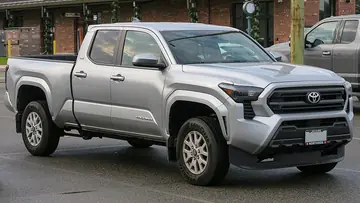
Can You Add an Anytime Front Camera to Your Tacoma's Factory Screen?
KEEP THE FACTORY SCREEN AND CHECK CAMERA BEHAVIOR FIRST
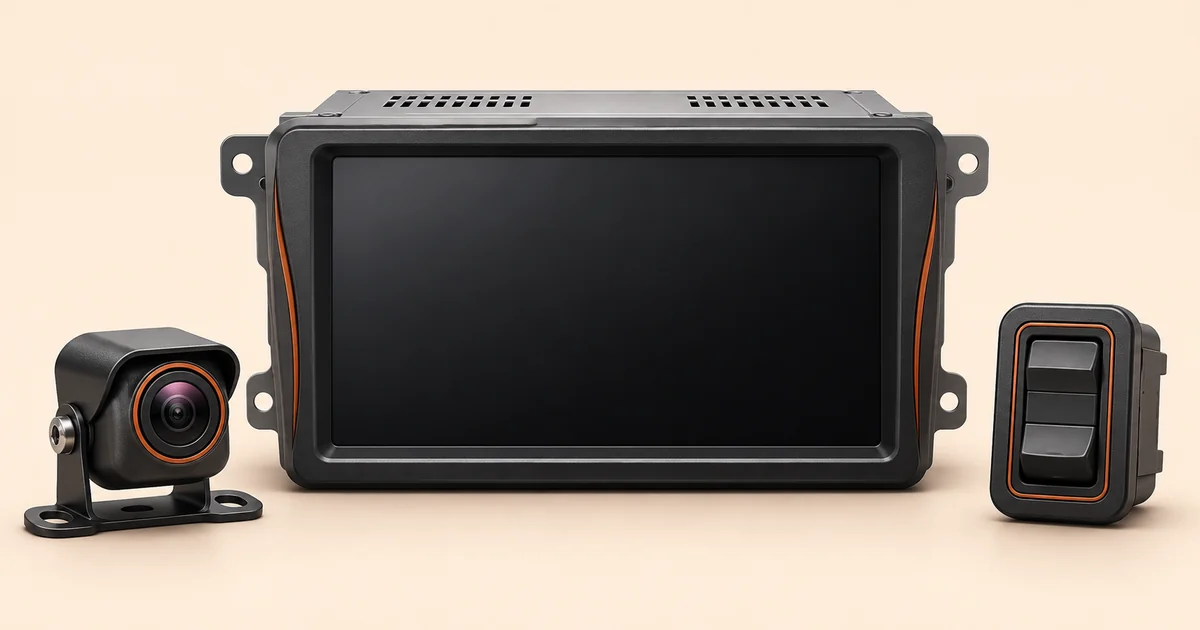
The named Anytime Backup and Front Camera kit is a documented starting point for a 2020–2023 Tacoma with a compatible factory screen and without the excluded 360-degree camera system. It adds front-camera viewing and selected rear-camera viewing. Check the exact radio, kit revision and switch behavior before buying. A kit advertised as “2020+” does not establish fourth-generation Tacoma compatibility.
Fit Assistant · For your setup
Plan your camera upgrade
Tell us a little about your situation. Fit Assistant will help you apply this guide.
The manufacturer's known-compatibility list specifically names 2020–2023 Tacoma. Keep that explicit range ahead of a broad product heading.
What task does this solve?
This is a route for someone who wants additional camera viewing while retaining a supported original display. It is different from replacing the head unit for audio, navigation or phone features.
Tell the installer what you want to see: an area in front of the truck during careful maneuvering, or the existing rear view outside its normal reverse-only operation. Confirm how the selected system meets that need and how it returns to normal use.
An added camera is not evidence of obstacle detection or a replacement for checking around the vehicle.
What rules out this kit?
The manufacturer says the reviewed kit does not work with a 360-degree camera system. If you already have factory panoramic/360 viewing, do not assume that buying another camera kit will integrate with it.
If the radio is aftermarket or has already been changed, the factory-screen application does not settle compatibility. Identify the radio and camera interfaces before choosing a harness.
If you are unsure about equipment, start with the truck's year and what the screen currently does. Get the equipment identified rather than answering “no 360 system” merely because you do not recognize its name.
What happens when you shift into reverse?
This is an important buying question, not an installation detail to discover afterward. Trail Grid Pro's listing for this kit explains that leaving the switch in its front-camera position can keep the front image on screen when reverse is selected.
Ask the supplier to confirm that behavior for the exact kit revision being shipped. Have the installer demonstrate all switch positions and reverse operation before handing the truck back.
Do not describe the kit as always returning automatically to the rear view. Use its operating instructions so the selected image is understood.
Does plug-in wiring make it a no-work installation?
The maker says its harness connects to the factory screen without modifying the factory wires. Its installation instructions still describe switch connections, camera installation and testing before drilling.
“Plug-in harness” therefore does not mean every part is already installed or that there is no physical modification. Confirm which harness option is supplied, who performs the connections, and whether the camera location requires drilling.
The selected camera and current instructions must control image orientation and mounting. This guide does not provide a wiring shortcut or a universal mounting point.
What should you send the supplier?
| Detail | Why it helps |
|---|---|
| Year and radio identification | Confirms the screen/harness starting point |
| Existing rear, front and 360 equipment | Finds incompatible systems early |
| Desired viewing task | Separates camera control from a radio upgrade |
| Kit revision and supplied camera | Matches instructions to the actual order |
| Installation and switch plan | Clarifies modification and operation |
Compatibility snapshot
| Truck or system | Documented boundary | Next action |
|---|---|---|
| 2020–2023 Tacoma, supported factory screen | Named starting application | Confirm exact kit and radio · manufacturer's known-compatibility list · installation instructions |
| Factory 360-degree camera system | Manufacturer says not compatible | Use another documented path · manufacturer's known-compatibility list |
| Aftermarket screen | Not approved by this listing | Radio-specific integration check · manufacturer's known-compatibility list |
| 2024+ Tacoma | Not established by “2020+” heading | Separate generation-specific solution · manufacturer's known-compatibility list |
Is this the same as adding a backup camera to a 2013 Tacoma?
No. That is a different radio and harness application. Use the 2013 factory-radio camera guide for that truck.
Should I replace the screen instead?
Only if that solves another goal you actually have. Camera viewing alone and a full head-unit replacement should be compared as different projects.
Continue with Tacoma Guides and interior and electronics.
Sources & notes
- Anytime Backup Camera current kit, checked 2026-11-07. Explicit Tacoma year range, factory-screen route and 360-system exclusion.
- Maker's linked instructions, revision 03.16.2021, checked 2026-11-07. Historical supplied instructions; confirm the current shipped revision. Installation work is not removed by a plug-in harness claim.
- Trail Grid Pro exact kit listing, checked 2026-11-07. Front-switch/reverse behavior is a disclosed supplier statement requiring exact-revision confirmation, not a universal camera-system rule.