Which Auxiliary Switch Kit Fits Your Ford F-150?
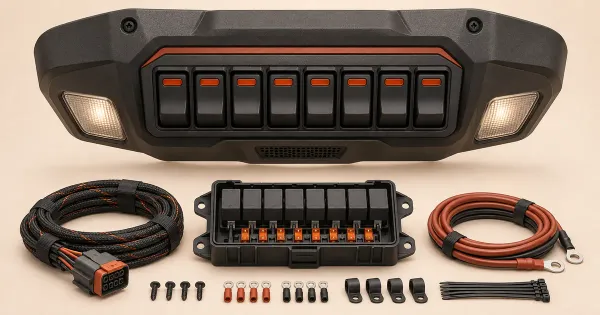
Choose F-150 auxiliary switches by factory equipment and accessory load. Compare Tremor and Raptor circuits with a standalone fused switch panel.
 Does It Fit
Choose with Confidence.
Ford F-150 topic
Choose F-150 auxiliary switches by factory equipment and accessory load. Compare Tremor and Raptor circuits with a standalone fused switch panel.
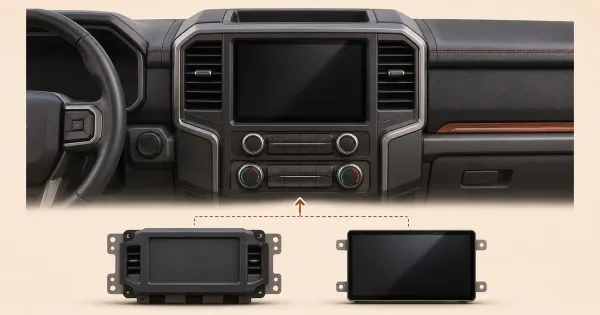
Compare an F-150 SYNC update with a screen and module conversion. Check the APIM, camera, factory audio and features each kit documents before buying.
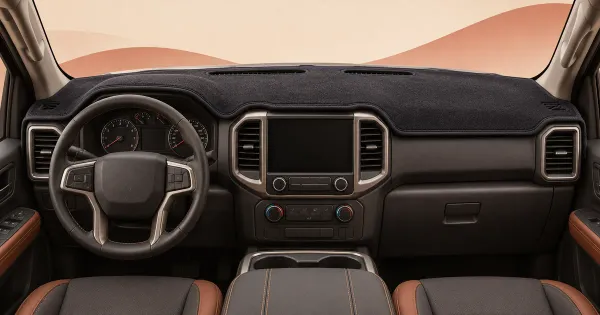
Choose an F-150 dashboard cover by dash shape, vents, speakers and sensors. Compare DashMat fit and check the actual layout before ordering a cover.
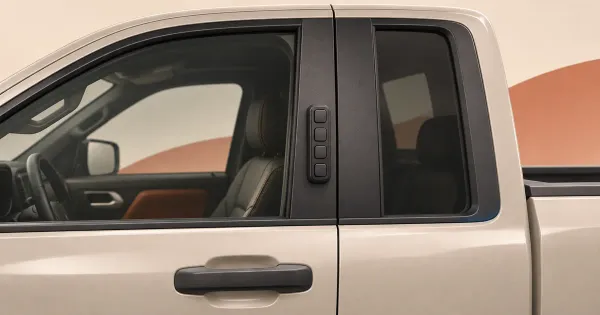
Find the right F-150 keyless entry keypad by model year and factory equipment. Check Ford’s wireless part number and the wired retrofit restriction.
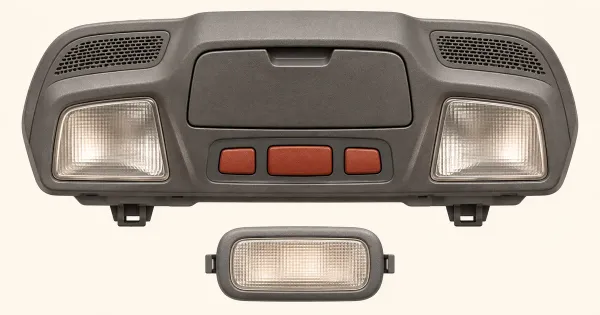
Choose F-150 interior LEDs by fixture, factory lamp type and connector. Compare a listed conversion kit and check which lamps are replaceable.
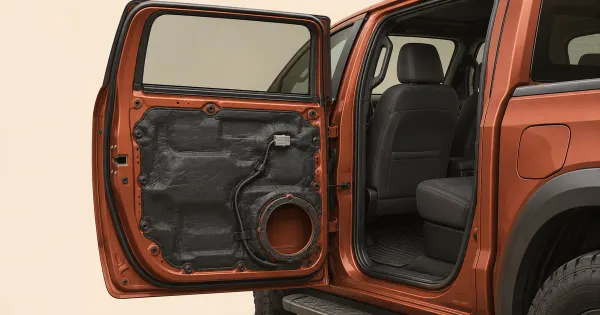
Choose F-150 sound deadening by cab and door layout. Compare Dynamat and SoundSkins precut kits and check speaker, drain and window clearance.
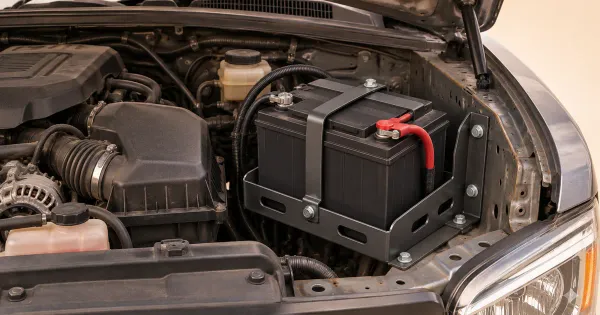
Plan a second battery in your Ford F-150 by tray, charger and location. Compare underhood and bed-mounted options and verify Ford electrical limits.
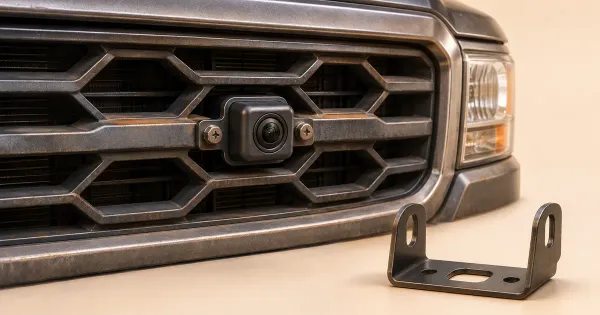
Add a Ford F-150 front camera by matching the display, interface and grille. Compare documented Brandmotion options and check retained factory views.
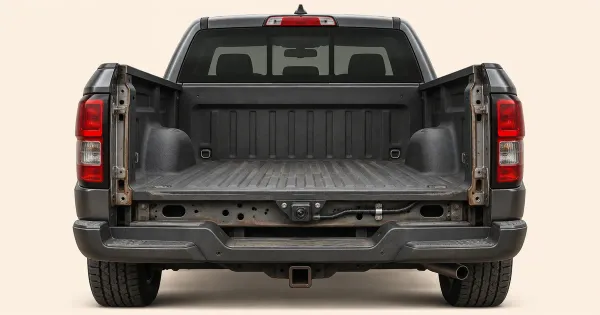
Keep a usable backup view after removing an F-150 tailgate. Compare a relocation kit and Ford’s upfitter notes, then check connectors and camera views.
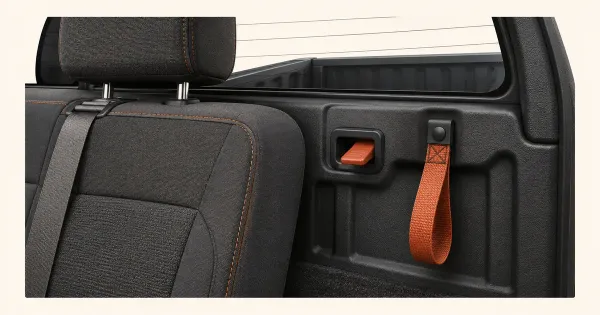
Match an F-150 rear seat release kit to the cab and actual latch. Check BuiltRight fit, strap access and whether the seat locks after installation.
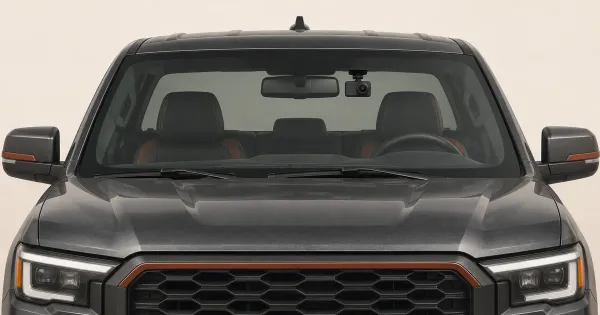
Match an F-150 dash cam to the windshield and mirror power. Compare Dongar and FITCAMX options and check parking mode and connector requirements.
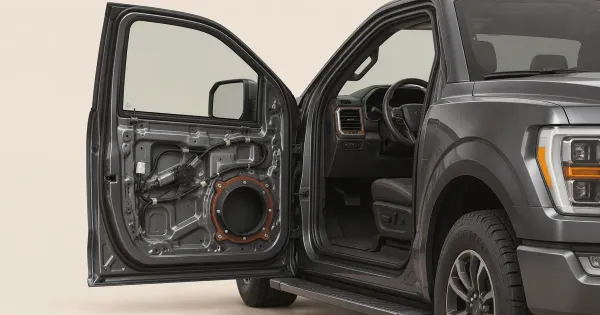
Find F-150 door speakers by cab and factory audio package. Check Metra brackets, B&O harnesses, speaker depth and clearance behind the door trim.
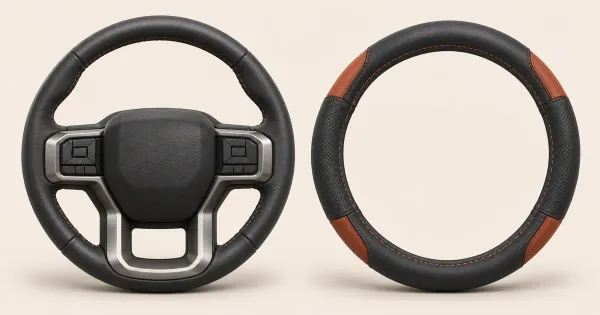
Find an F-150 steering wheel cover by rim diameter, grip and wheel shape. Compare RedlineGoods and Wheelskins options and verify heated wheel instructions.
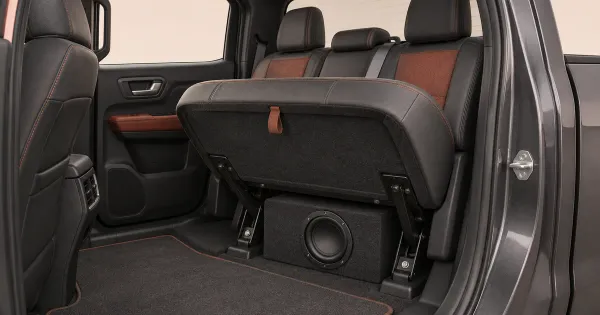
Match an F-150 subwoofer box to your cab, factory audio and rear-seat space. Compare Metra and AudioControl examples and check what storage remains.
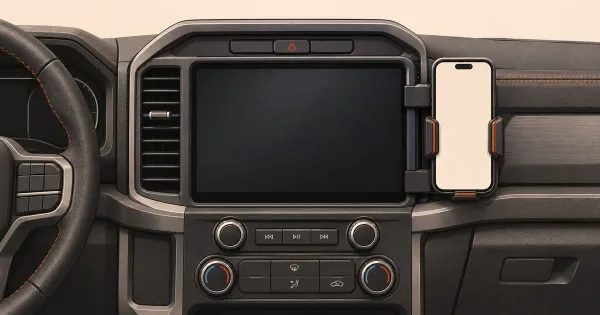
Compare Ford F-150 phone mounts by dash and screen layout. Check ProClip and Bulletpoint applications, then measure phone, vent and display clearance.
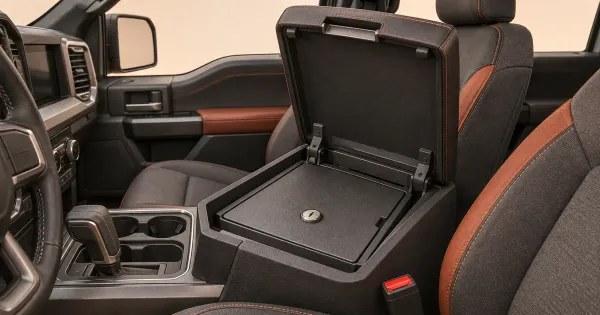
Find an F-150 center console safe by measured console length. Compare Tuffy and Console Vault fit for 12½-inch and 12¼-inch full-floor consoles.
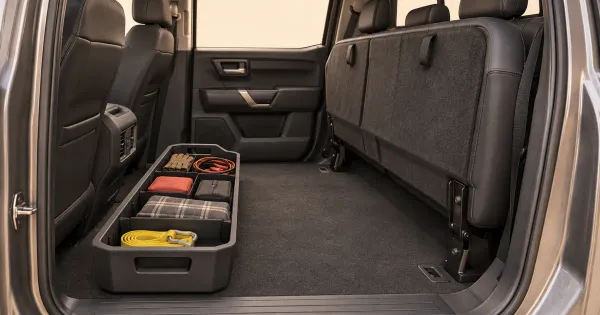
Find F-150 under-seat storage for SuperCrew or SuperCab. Compare a factory fold-flat bin and aftermarket storage with floor liners and rear seat hardware.
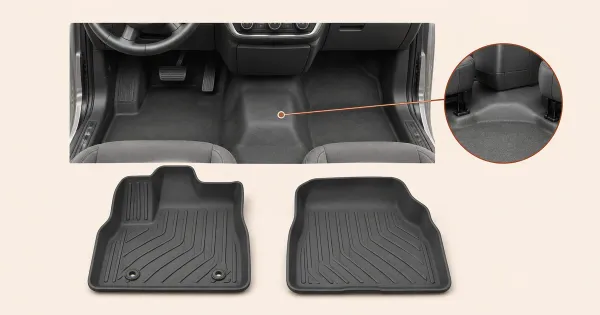
Compare F-150 floor liners by Regular Cab, SuperCab or SuperCrew. Check factory vinyl, bench or console shape, under-seat storage and driver-side anchors.
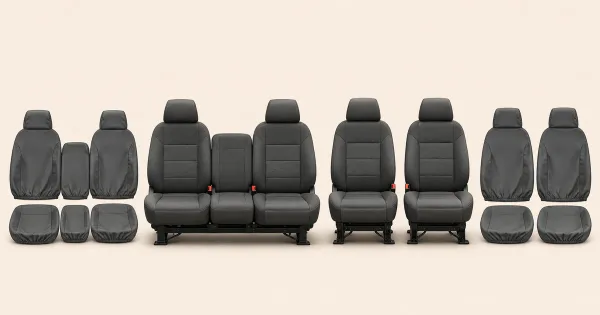
Match Ford F-150 seat covers by cab, seat row, bucket or split-bench layout, and rear armrest. See a Ford-listed SuperCrew part and its fit limits.
02 / Build
Try paint, wheels, tires, lifts and gear on your Ford F-150. Find a look you love before choosing your next upgrade.
Build your Ford F-150 No sign-up to build.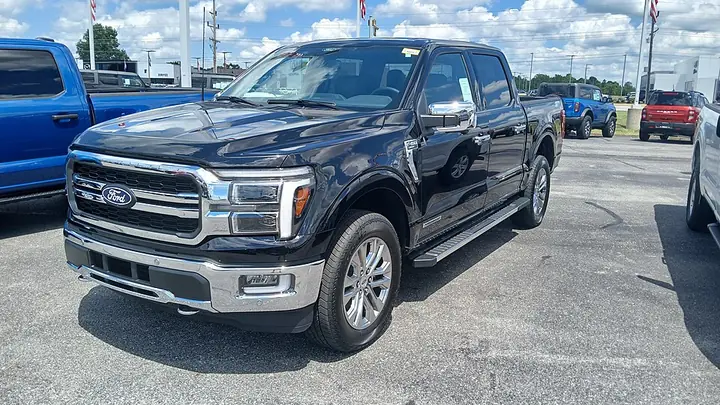
03 / Shop
Check your year, trim and setup with the store before buying.
Store listings across Ford F-150 generations. Exact fit, price and availability are confirmed by the store.